
The Mydoma Task Manager is Here! See what’s included…

Table of Contents
If you manage interior design projects then you know how important it is to prioritize the right task at the right time. This is especially important when you’re working with a team and relying on them to carry out certain functions of the project.
The goal of task management is to:
- Assign tasks to team members according to their skillsets
- Prioritize tasks according to project due dates
- Organize tasks accurately by function
- Improve teamwork and collaboration
- Empower team members to complete tasks efficiently
- Constantly evaluate and improve the way projects are completed
- Complete projects in the shortest time possible with the least amount of resources
At Mydoma, we realized that we had mastered project management, but what about organizing and delegating the tasks that make up that project? We recognized that designers using Mydoma wanted a place to lay out all of the tasks that are required to bring their projects from conception to close out. If you find yourself swamped trying to oversee all of your team’s tasks, or find yourself with an endless to-do lists then you’re going to love The Mydoma Task Manager. Put an end to constantly checking in with your team to get a status update, or worse, accidentally leaving an important task unfinished. If you’re not using a task mangement tool to manage tasks within your interior design projects then you are likely not working in the most efficient way. You have a process that you follow for each project, so breaking it down into tasks and assigning them to the appropriate team members will help speed up the project and minimize stress throughout.
Less time managing, more time designing
Whether you are currently managing your project’s tasks on paper, in a shared document, or in another task management tool, now is your opportunity to bring everything under one roof and start maximizing your project efficiency. You’ll love the way The Mydoma Task Manager works together with other features in Mydoma to create a seamless experience.
Creating a task is easy! You can create a task from the Task Manager section of Mydoma, or from within a project itself. There’s also an easy “Create Task” button in the navigation bar that is always at your fingertips whenever something comes up. But, it doesn’t end there. We have added a ton of features to The Mydoma Task Manager to ensure it serves you and your team to its full potential.
Pro tip
Download the Mydoma Mobile App to access your tasks from anywhere!
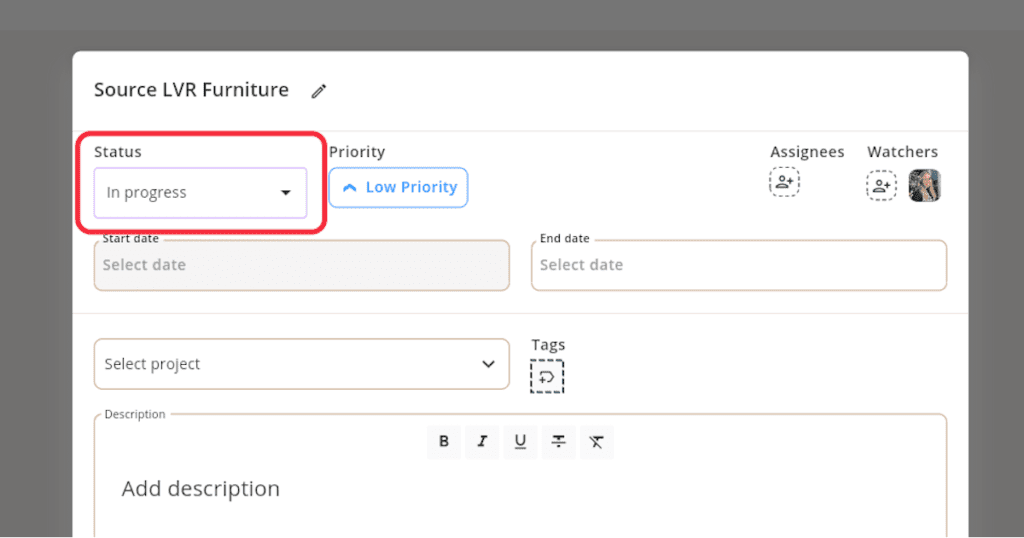
Statuses
Nothing is better than checking off a task as “done”. Mark a task as to-do, in progress, and done to keep up with the status of a task.
Assignees
Make collaboration easy by assigning tasks to your team members. Assign multiple team members to one task and even add watchers to follow along with a task as it progresses.
Pro tip
Assign tasks to clients. If you need a measurement, photo, or any other deliverable from them, assign them a task in Mydoma. They are able to see the task from their client portal and are more likely to send you the deliverable on time!

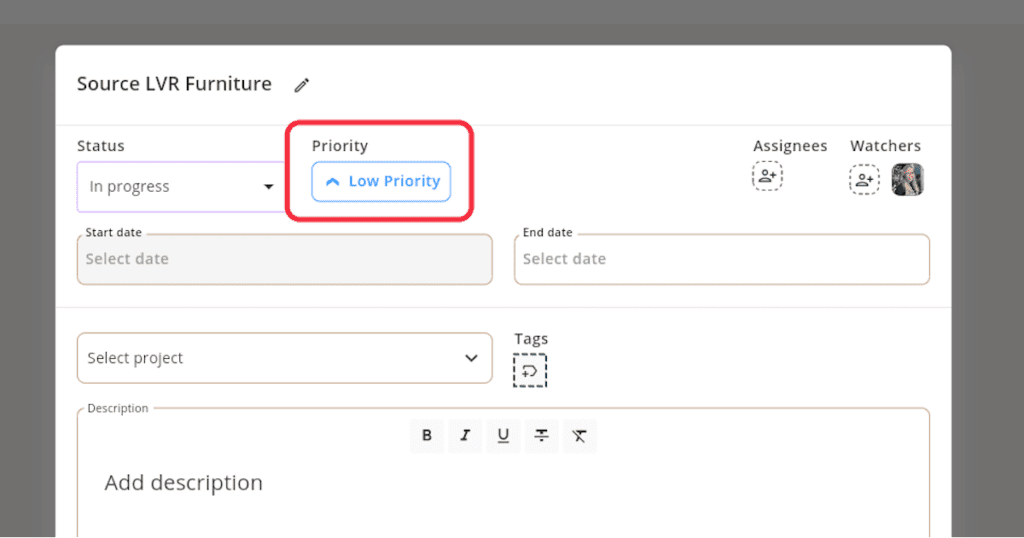
Priorities
Let your team know the importance of a task by setting its priority as low, medium or high.
Tags
You know we love customization here at Mydoma, so we’ve added tags to ensure you can sort and filter your tasks in a way that suits you and your team best.

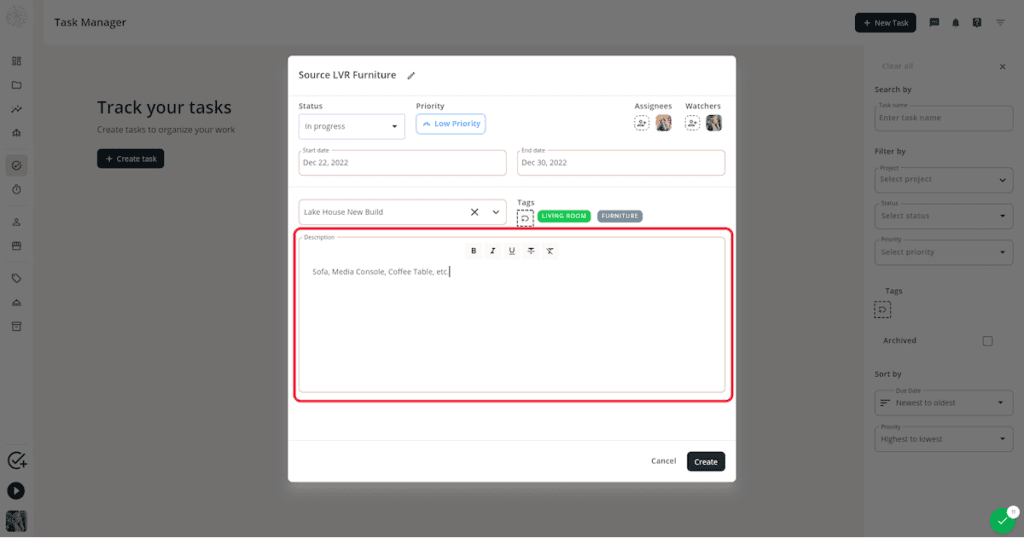
Description
Keep everything in one place by writing the description of a task directly in Mydoma to clarify what needs to get done.
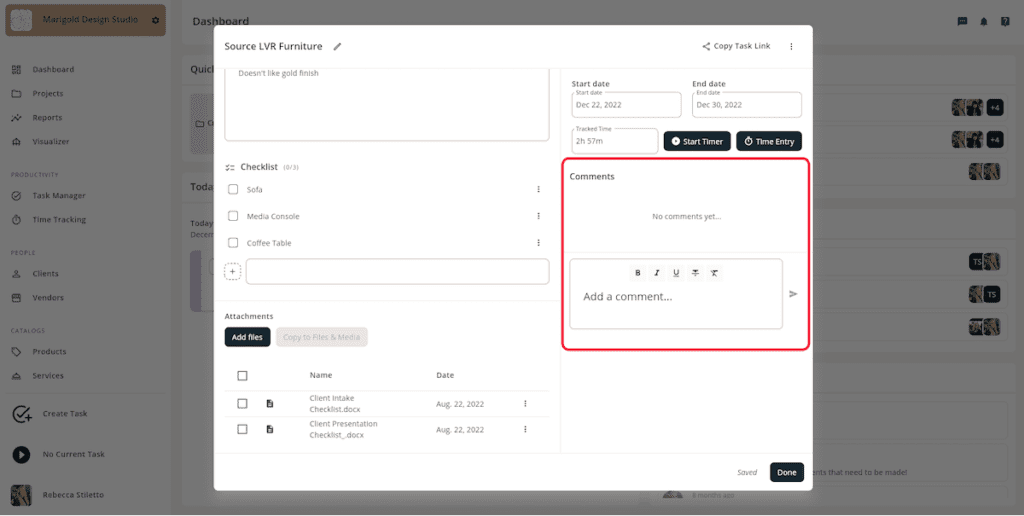
Comments
Keep all task communication in one place by chatting back and forth through a task’s comments to get a status update or ask a question.
Checklists
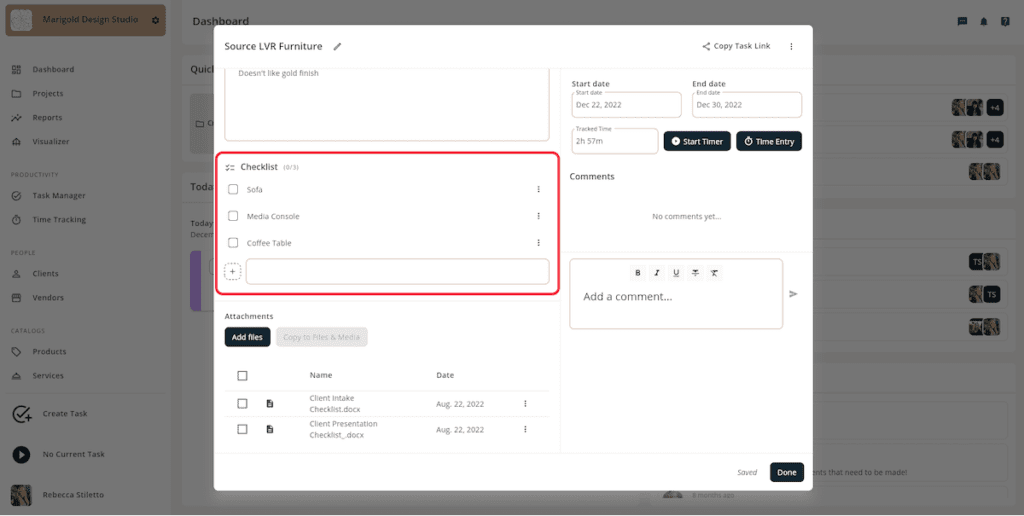
Sometimes your tasks will be on the heavier side and will require multiple steps to complete. That’s why we added checklists so you can break ‘em down.
Attachments
Again, keeping everything neat and organized, you and your team can attach the appropriate files to a task to avoid the whole “I need x file” conversation.

Time Tracking
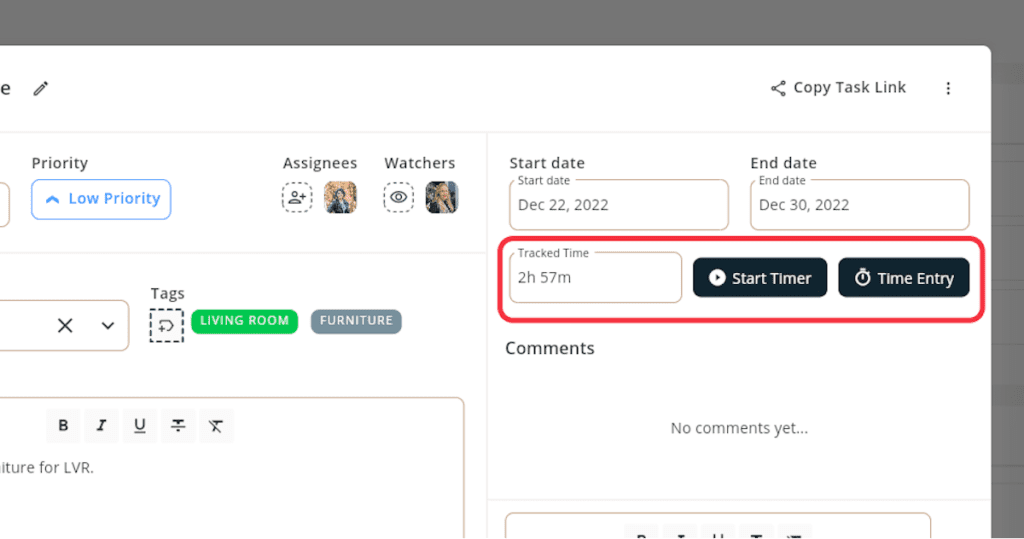
“What gets measured gets improved”, so the ability to track a task’s time within Mydoma will help you improve efficiency as time goes on.
Get started with The Mydoma Task Manager
If you’re a Mydoma subscriber you can start organizing your tasks in The Mydoma Task Manager today. If you aren’t on Mydoma yet, sign up for a 15-day free trial of Mydoma today to start managing your tasks with a tool that is built for interior designers by interior designers.
Discover how you can use Mydoma to save time & impress more clients
Get a Demo
Sign Up
Join our newsletter
Get the latest in interior design trends, expert tips, and exclusive project insights delivered straight to your inbox!